

Export and fulfilment
Export orders for fulfilment
To get your data out of Subsail, you can easily create CSV files which can be opened and edited in spreadsheet applications like Excel and Google Docs.
Create an export
Go to the Export > CSV exports page in your account and use the new export tool to create a CSV file.
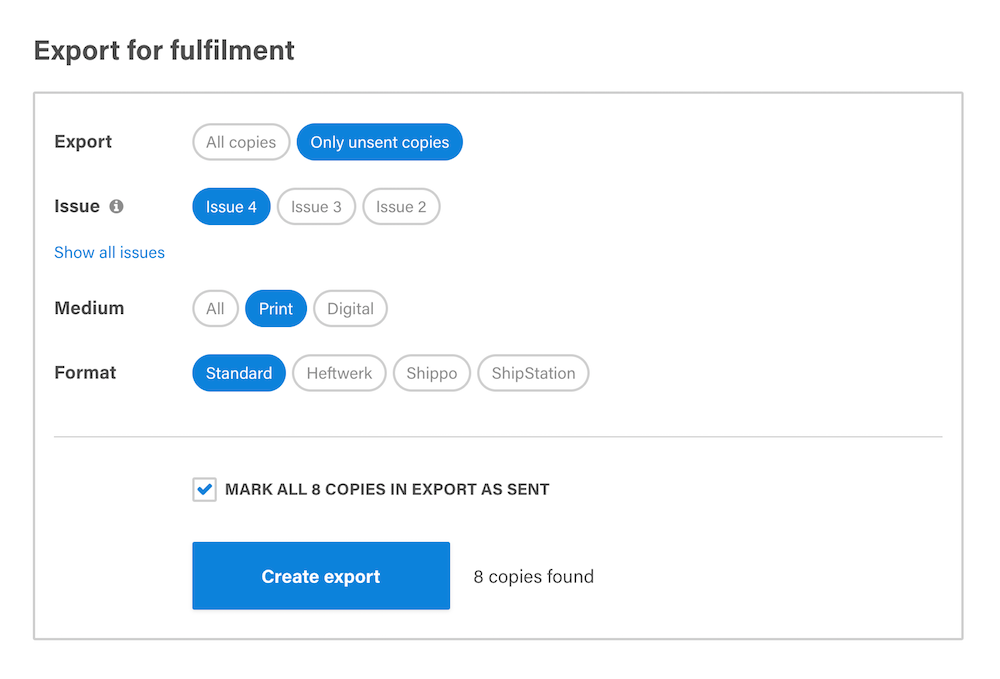
The CSV file will save to your computer, which you can then open in your spreadsheet application of choice.
You can also export subscription data in specific formats for fulfilment services Heftwerk, Shippo, ShipStation and Newsstand.